
• Home
  • Software, Security & Online Protection
    • PC Buying Guides & Computer Hardware
    • Computer Repair & Troubleshooting
  • Privacy Policy
    • Terms and Conditions
  • About Us
  • Contact Us

Joma PC Essentials

Computer Repair & Troubleshooting

Common PC Problems and How to Fix Them Before Calling a Technician

By Dr. Marcus Bennett
Computer Repair & Troubleshooting

How to Know If Your Laptop Battery Needs Replacement

By Dr. Marcus Bennett
Computer Repair & Troubleshooting

Computer Repair Checklist: What to Check Before Paying for Service

By Dr. Marcus Bennett
Software, Security & Online Protection

Cloud Backup vs External Drive: Which Is Safer for Your Files?

By Dr. Marcus Bennett
Computer Repair & Troubleshooting

Why Is My Computer So Slow? Simple Causes and Practical Fixes

By Dr. Marcus Bennett
Computer Repair & Troubleshooting

Common PC Problems and How to Fix Them Before Calling a Technician

By Dr. Marcus Bennett on Saturday, May 16, 2026
Common PC Problems and How to Fix Them Before Calling a Technician

Before calling a technician, restart your PC, check cables, update drivers, scan for malware, and clear disk space. Many slowdowns, freezes, and connection issues have simple fixes.

Continue Reading
0
Computer Repair & Troubleshooting

How to Know If Your Laptop Battery Needs Replacement

By Dr. Marcus Bennett on Wednesday, May 13, 2026
How to Know If Your Laptop Battery Needs Replacement

Replace your laptop battery if it drains quickly, shuts down unexpectedly, won’t charge fully, swells, or shows a “service battery” warning despite normal use.

Continue Reading
0
Computer Repair & Troubleshooting

Computer Repair Checklist: What to Check Before Paying for Service

By Dr. Marcus Bennett on Friday, May 8, 2026
Computer Repair Checklist: What to Check Before Paying for Service

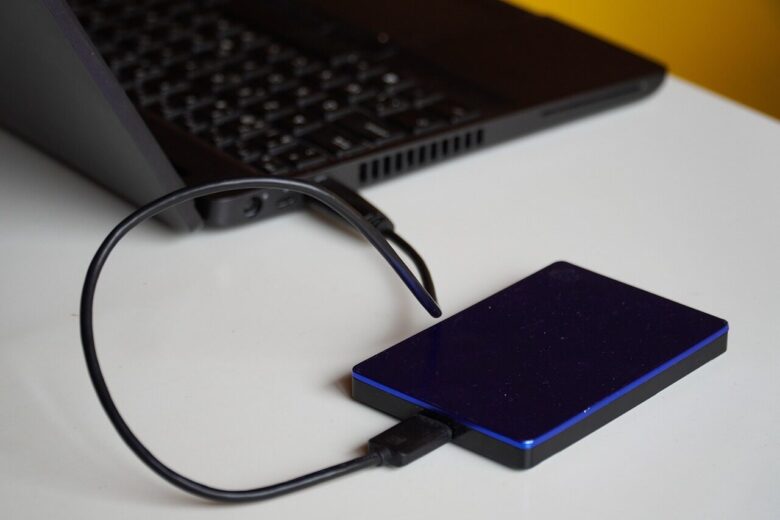
Before paying for computer repair, check power, cables, error messages, backups, warranty status, and recent software changes to avoid unnecessary service costs.
Continue Reading
0
Software, Security & Online Protection

Cloud Backup vs External Drive: Which Is Safer for Your Files?

By Dr. Marcus Bennett on Sunday, April 26, 2026
Cloud Backup vs External Drive: Which Is Safer for Your Files?

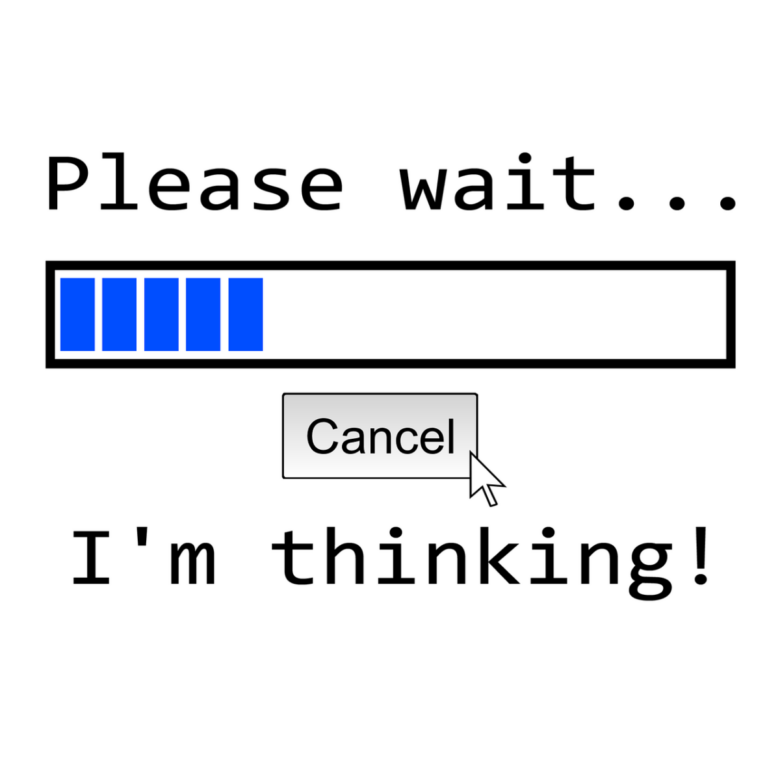
Cloud backup protects files from theft, fire, and drive failure, while an external drive offers offline control. The safest choice is often using both for layered protection.
Continue Reading
0
Computer Repair & Troubleshooting

Why Is My Computer So Slow? Simple Causes and Practical Fixes

By Dr. Marcus Bennett on Saturday, April 18, 2026
Why Is My Computer So Slow? Simple Causes and Practical Fixes

Slow computer? Common causes include too many startup apps, low storage, outdated software, or malware. Check Task Manager, free disk space, update drivers, and scan for threats.

Continue Reading
0
Software, Security & Online Protection

Best Essential Software Every New PC User Should Install

By Dr. Marcus Bennett on Wednesday, April 15, 2026
Best Essential Software Every New PC User Should Install

Start your new PC with essential software: a secure browser, antivirus, backup tool, office suite, media player, and password manager.
Continue Reading
0
PC Buying Guides & Computer Hardware

SSD vs HDD: Which Storage Option Should You Choose for Your PC?

By Dr. Marcus Bennett on Tuesday, April 14, 2026
SSD vs HDD: Which Storage Option Should You Choose for Your PC?

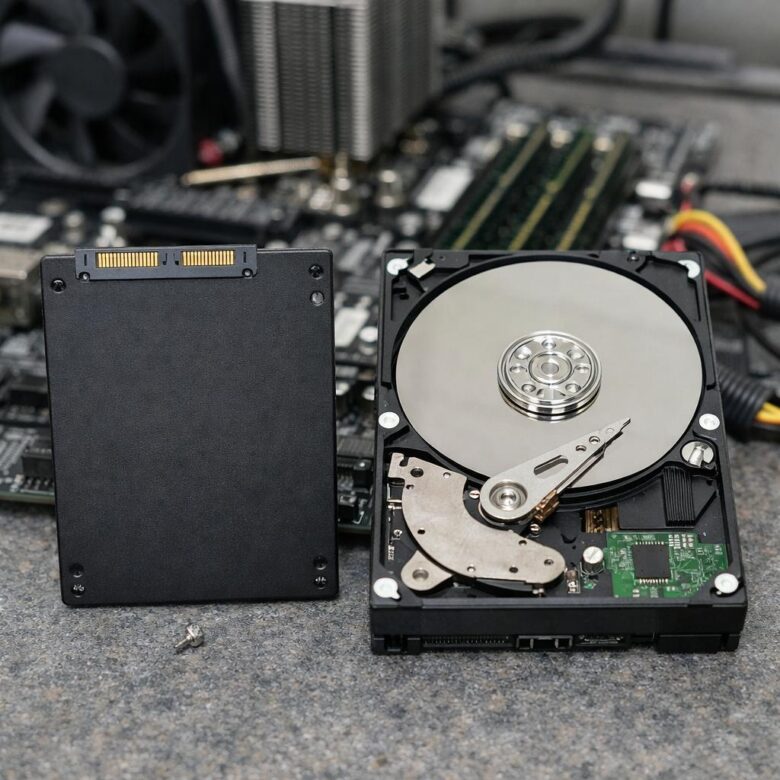
SSD vs HDD: Choose an SSD for faster boot times, app launches, and quiet operation. Pick an HDD when you need low-cost bulk storage for media, backups, or archives.

Continue Reading
0
Software, Security & Online Protection

Password Manager Guide: Why Every PC User Should Use One

By Dr. Marcus Bennett on Tuesday, March 31, 2026
Password Manager Guide: Why Every PC User Should Use One

Password managers create and store unique, encrypted logins, reducing reuse and phishing risk while making secure access easier across your PC, browser, and devices.

Continue Reading
0
Software, Security & Online Protection

Antivirus vs Internet Security: What Is the Difference?

By Dr. Marcus Bennett on Monday, March 30, 2026
Antivirus vs Internet Security: What Is the Difference?

Antivirus blocks malware on your device, while Internet Security adds firewall, phishing defense, privacy tools, and safer browsing protection.
Continue Reading
0
PC Buying Guides & Computer Hardware

How Much RAM Do You Really Need for Work, Study, and Gaming?

By Dr. Marcus Bennett on Tuesday, March 24, 2026
How Much RAM Do You Really Need for Work, Study, and Gaming?

RAM needs vary: 8GB suits basic study and office work, 16GB is the sweet spot for multitasking and most games, while 32GB helps creators, developers, and heavy gamers.

Continue Reading
0

Posts pagination

1 2 Next →
Refurbished Computers Explained: What to Check Before Buying One

Refurbished Computers Explained: What to Check Before Buying One

Computer Repair Checklist: What to Check Before Paying for Service

Computer Repair Checklist: What to Check Before Paying for Service

Password Manager Guide: Why Every PC User Should Use One

Password Manager Guide: Why Every PC User Should Use One

Best PC Buying Guide for Beginners: What to Check Before You Buy

Best PC Buying Guide for Beginners: What to Check Before You Buy

Why Is My Computer So Slow? Simple Causes and Practical Fixes

Why Is My Computer So Slow? Simple Causes and Practical Fixes

Pages
  • About Us
  • Contact Us
  • Privacy Policy
  • Terms and Conditions

Disclaimer: The information provided by Dr. Marcus Bennett on this website is for educational purposes only. PC buying tips, repair guidance, and digital security content should not replace advice from certified technicians, manufacturers, or cybersecurity professionals.

Categories
  • Computer Repair & Troubleshooting
  • PC Buying Guides & Computer Hardware
  • Software, Security & Online Protection
About Me
Dr. Marcus Bennett
Dr. Marcus Bennett

Dr. Marcus Bennett is a computer technology researcher specializing in personal computing, device maintenance, PC buying guidance, and online protection. With a strong focus on practical education, he helps readers understand how computers work, how to choose reliable devices, and how to solve common technical problems with confidence. His content is designed to make technology easier, safer, and more accessible for everyday users, students, and professionals.

Theme by Scissor Themes Proudly powered by WordPress